राजकीय महाविद्यालय,
गंगेश्वरी (अमरोहा)

महाविद्यालय का संक्षिप्त परिचय-

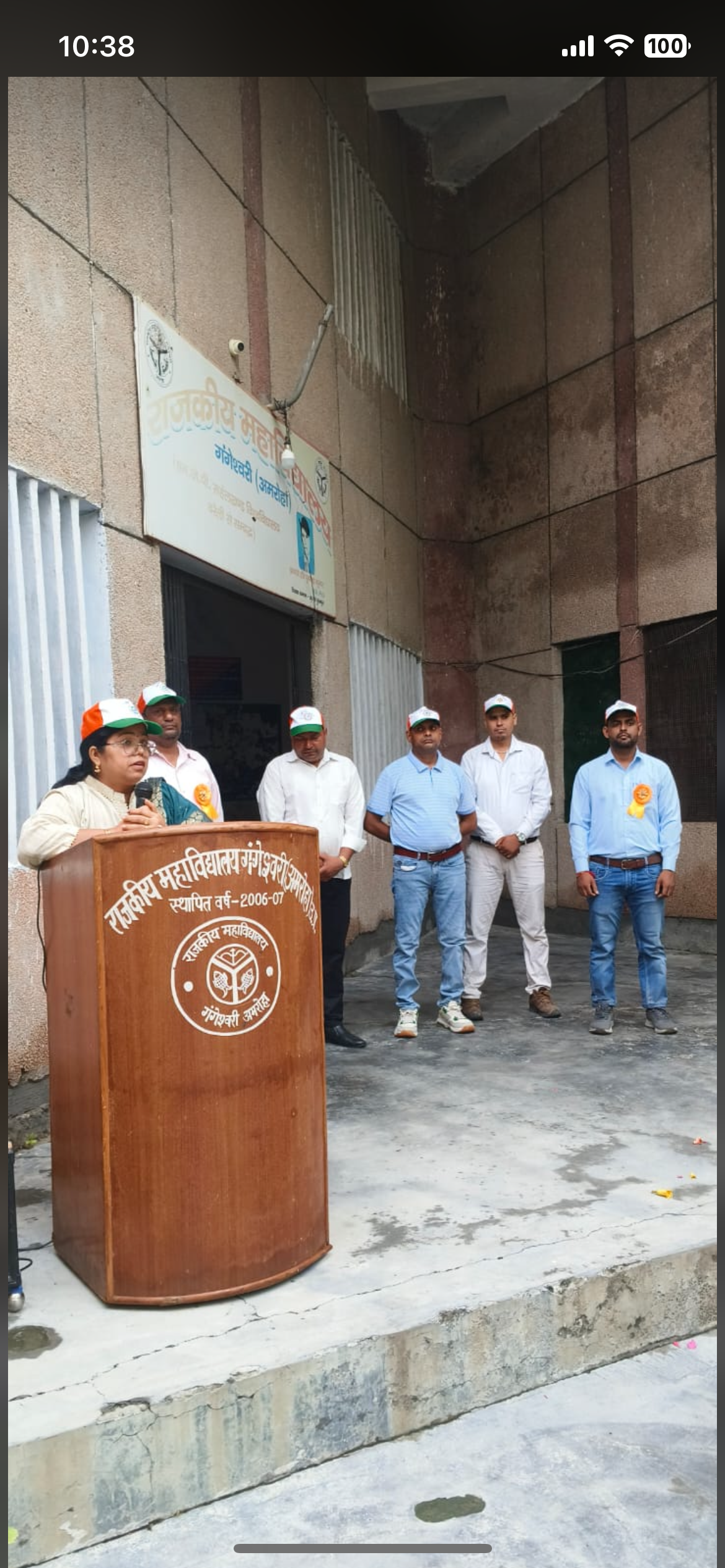
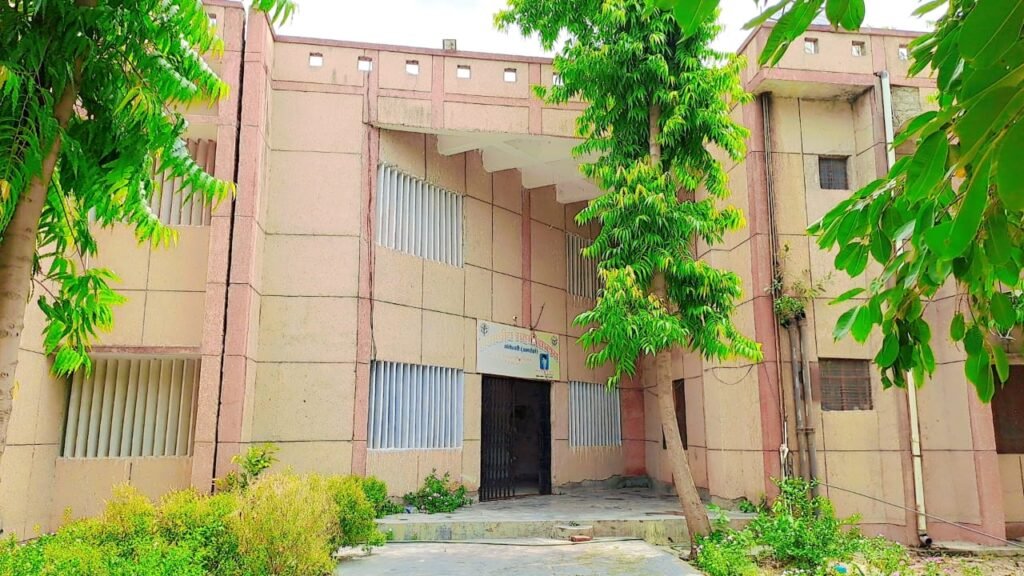
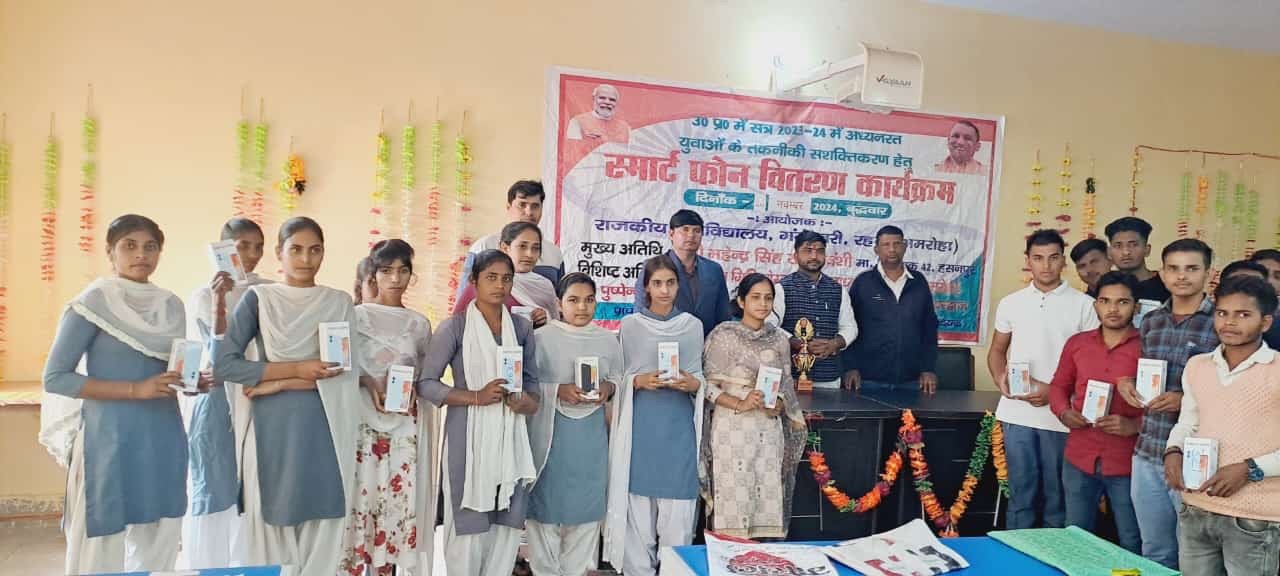
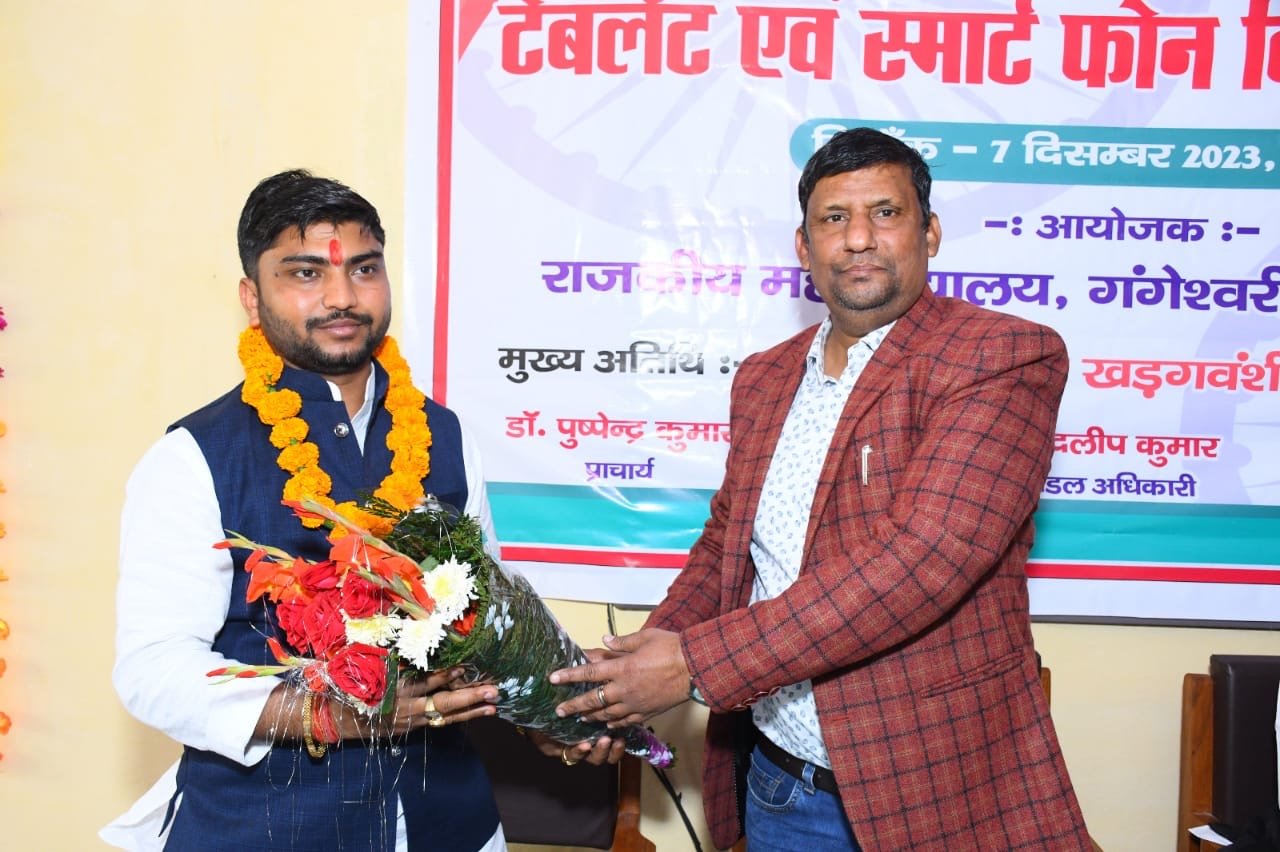
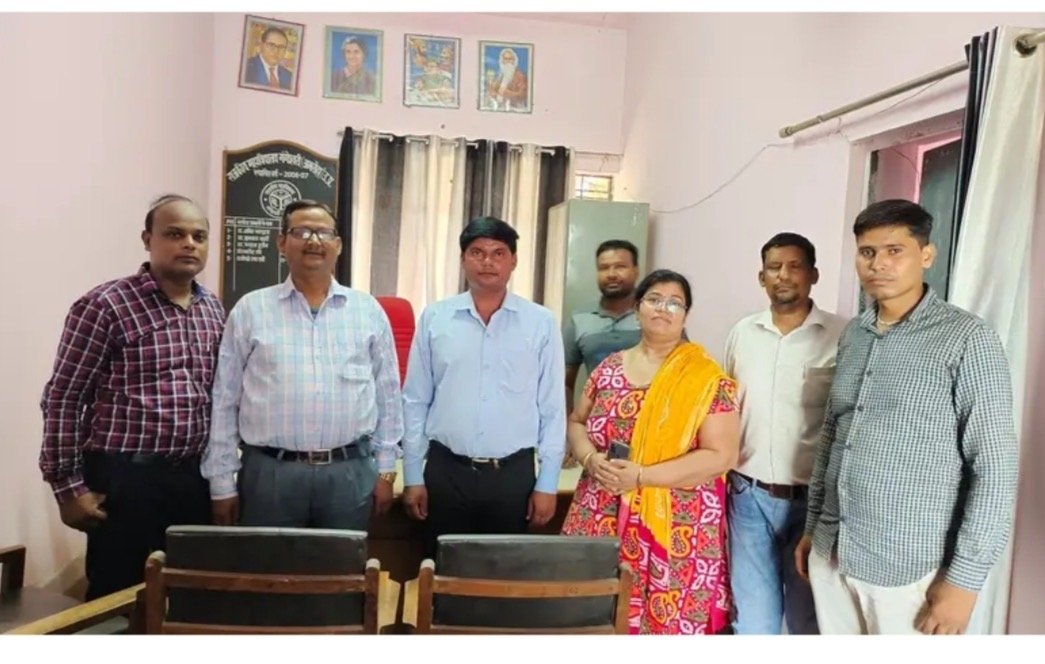
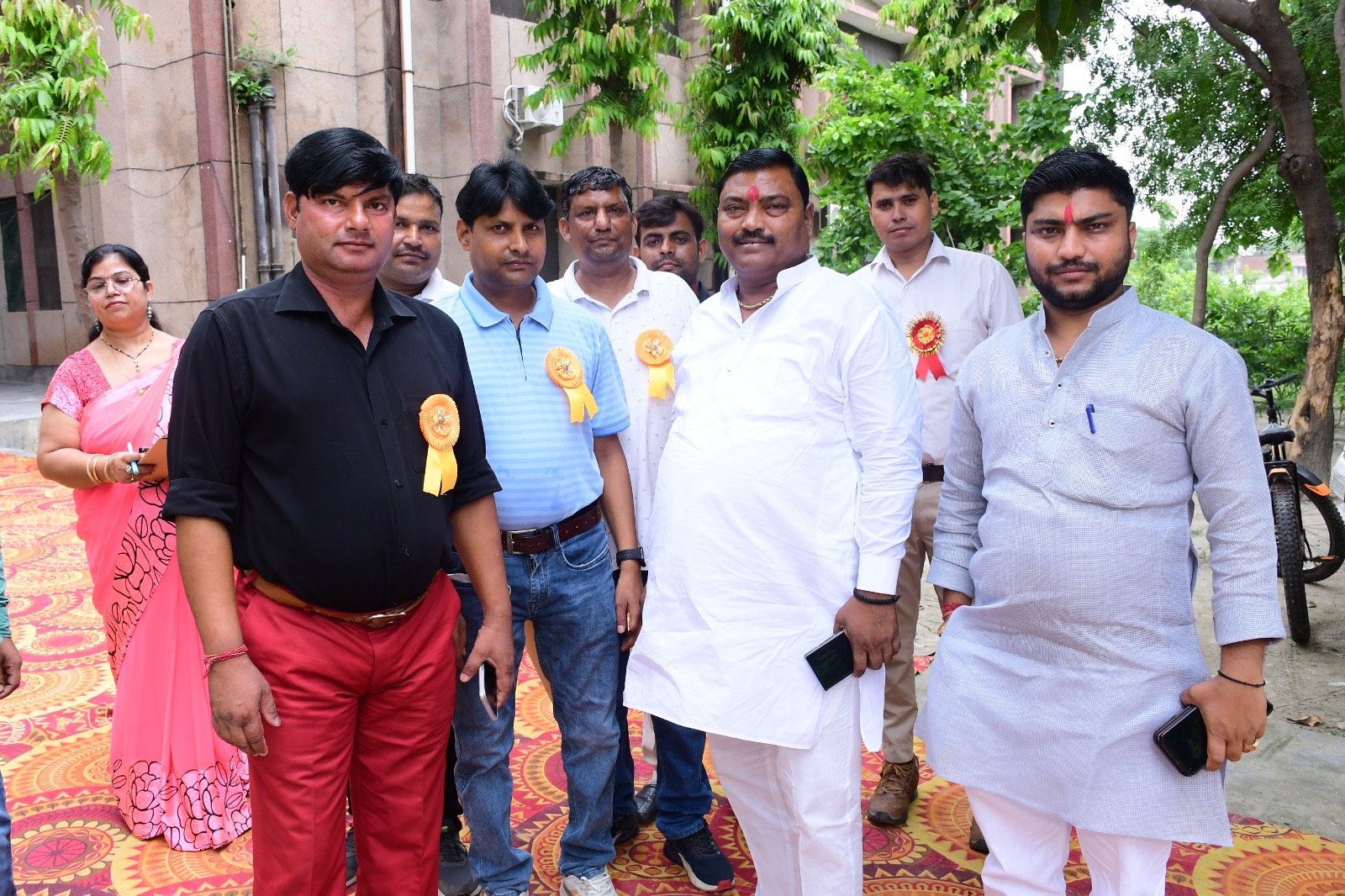
वर्ष २००६-०७ में उत्तर प्रदेश शासन के उच्च शिक्षा विभाग अनुभाग-५ द्वारा ग्रामीण क्षेत्र में छात्र/छात्राओं हेतु उच्च शिक्षा के प्रसार हेतु महाविद्यालय की स्थापना की गई।वर्तमान समय में महाविद्यालय में केवल स्नातक स्तर पर कला संकाय (बी० ए०) की कक्षाएं संचालित हो रही है। महाविद्यालय एक परिवार है जहाँ हर विद्यार्थी, प्रोफेसर एवं कर्मचारी की अपनी एक विशिष्ट पहचान है। राष्ट्रीय सेवा योजना, इको-री स्टोरेशन क्लब, युवा महोत्सव, वाद-विवाद, निबन्ध एवं क्विज तथा क्रीडा प्रतियोगिता आदि शिक्षणेत्तर पाठ्यक्रम सहगामी गतिविधियों में प्रतिभागिता कर विद्यार्थी अपने व्यक्तित्व का विकास करता है।
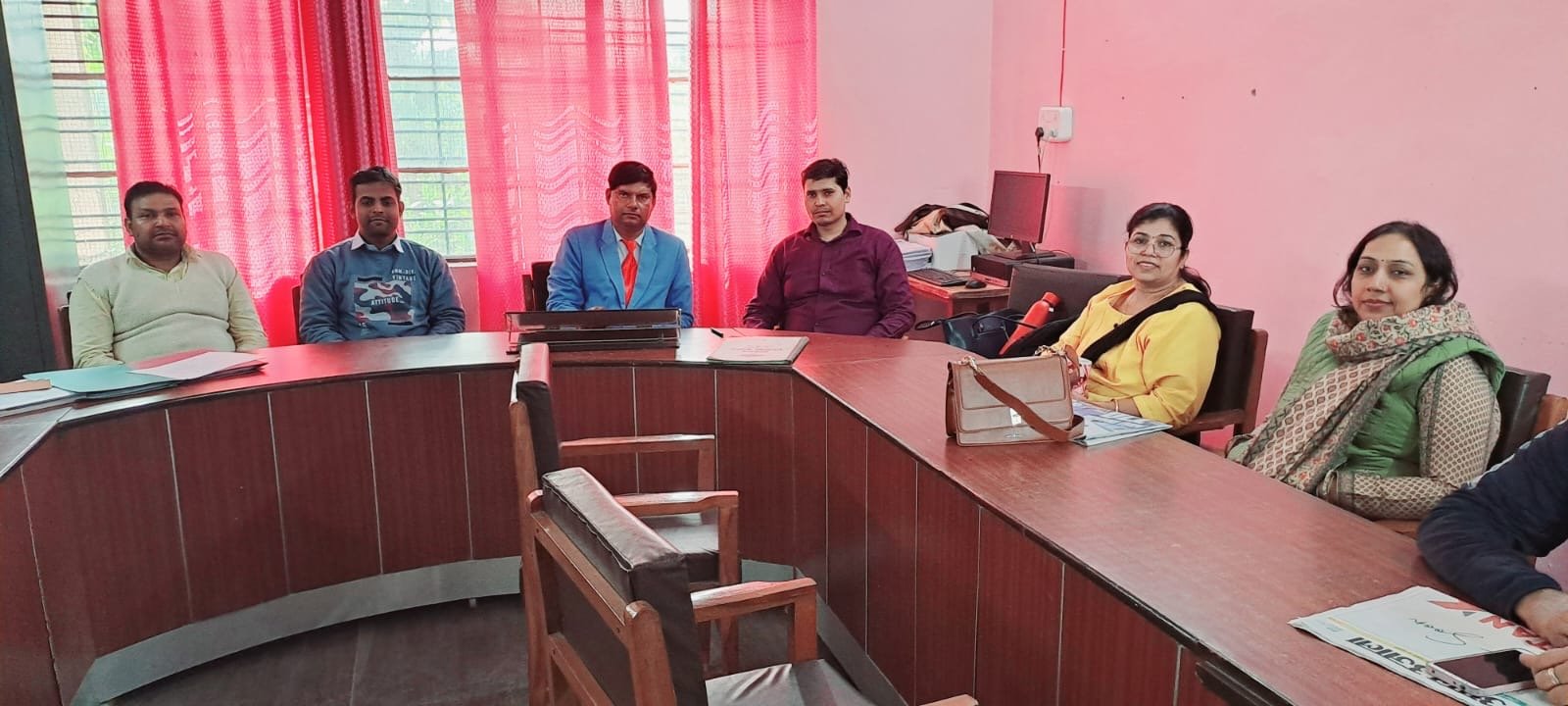

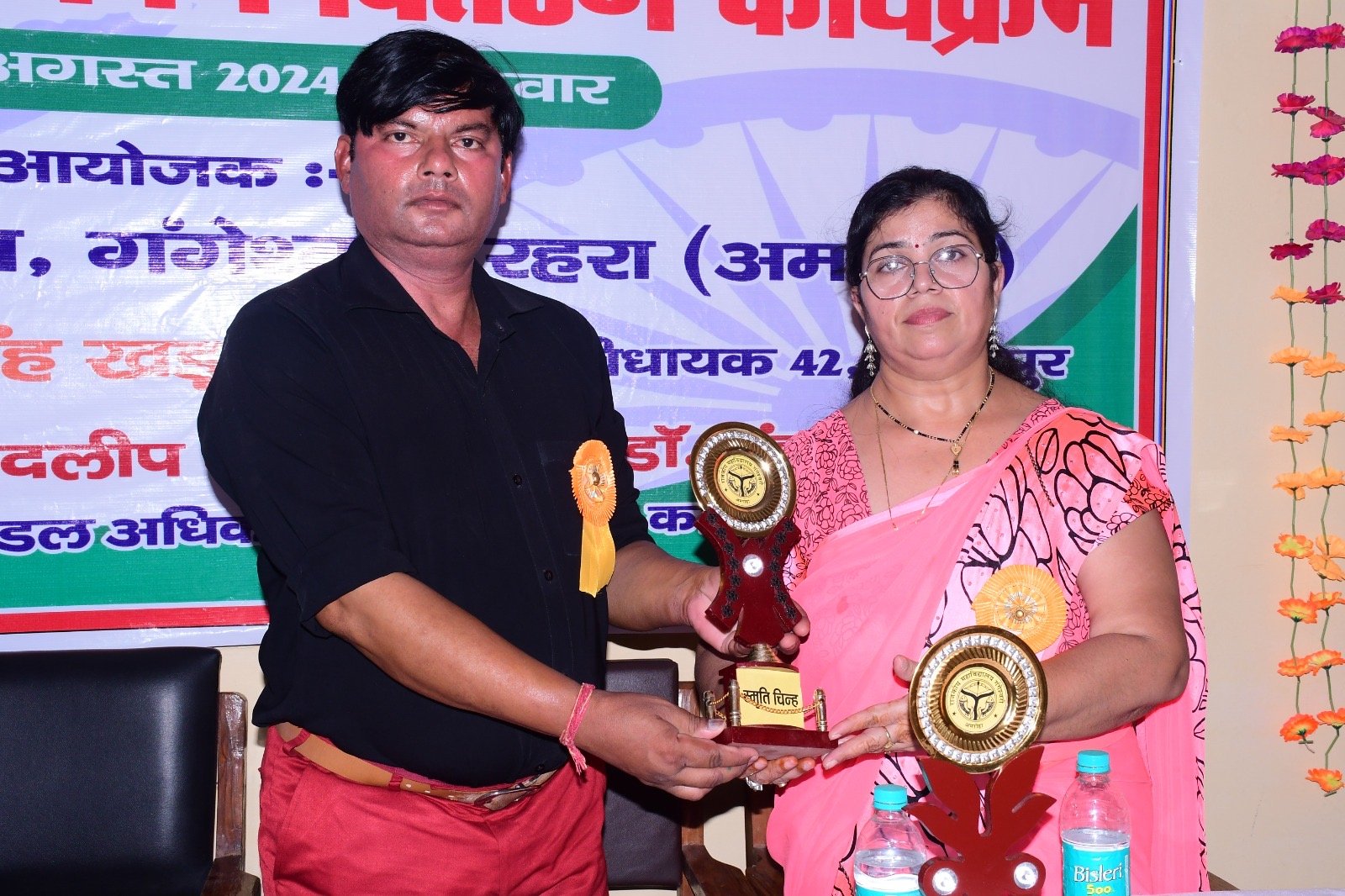
With Regional Higher Education Officer, Bareilly
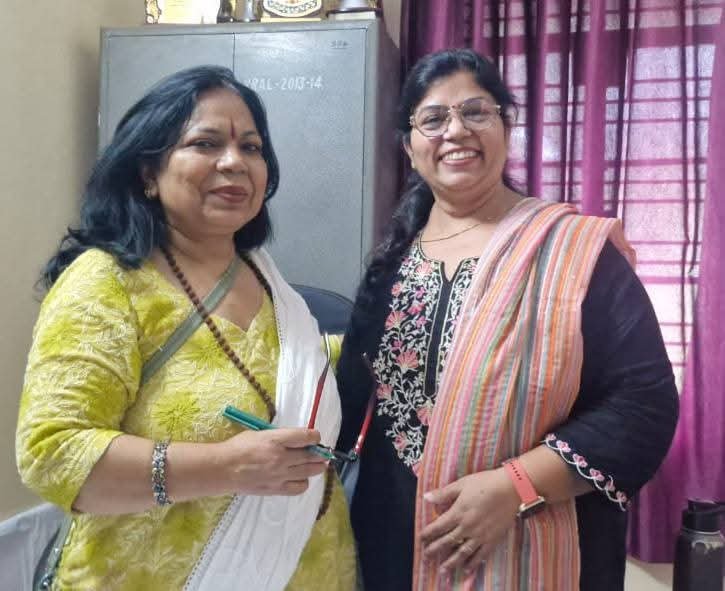
डॉ. संध्या रानी

Principal’s Message

प्रिय छात्र/छात्राओं,
           मैं आप सबका अपने पूरे महाविद्यालय परिवार की ओर से हमारे महाविद्यालय राजकीय महाविद्यालय , गंगेश्वरी (अमरोहा) में स्वागत करती हूँ। हमारे महाविद्यालय की स्थापना वर्ष 2006-2007 में उत्तर प्रदेश शासन द्वारा उच्च शिक्षा विभाग, अनुभाग-5 द्वारा ग्रामीण क्षेत्र में छात्र/छात्राओं हेतु उच्च शिक्षा के प्रसार के लिए की गयी थी। वर्तमान समय मे महाविद्यालय में केवल स्नातक स्तर पर कला संकाय (बी॰ ए॰) की कक्षायें संचालित हो रही हैं। यहाँ बी॰ ए॰ में सात विषय- हिन्दी, अंग्रेजी, संस्कृत, अर्थशास्त्र, समाजशास्त्र, इतिहास तथा राजनीति शास्त्र के साथ अध्ययन की सुविधा उपलब्ध है। लेकिन हम अन्य विषयों जैसे कला, मनोविज्ञान, भूगोल, संगीत आदि विषयों की मान्यता के लिये भी प्रयासरत हैं तथा साथ ही यह भी प्रयास कर रहे हैं कि निकट भविष्य में हम विज्ञान विषयों के साथ स्नातक (बी॰ एस॰ सी॰ गणित एवं बी॰ एस॰ सी॰ विज्ञान) एवं परा स्नातक कि कक्षाओं कि मान्यता भी ले सकें।
           महाविद्यालय एक परिवार है जहां हर विद्यार्थी, प्रोफेसर एवं कर्मचारी की अपनी एक विशिष्ट पहचान है। अपने लक्ष्यों को प्राप्त करने के लिए हम भाग्यशाली हैं कि हमारे पास प्रतिबद्ध और विशेषज्ञ शिक्षण एवं सहायक कर्मचारियों की एक टीम है जो यह सुनिश्चित करती है कि हमारे छात्र/छात्राओं का शिक्षण वातावरण सर्वोत्तम हो।
           हम अपने प्रत्येक छात्र/छात्रा की अपने क्षेत्र में आगे बढ़ने और उत्कृष्टता प्राप्त करने के क्षमता में विश्वास करते हैं क्योंकि प्रत्येक छात्र/छात्रा अलग-अलग प्रतिभाओं और असीम संभावनाओं से सम्पन्न होता है। हम अपने छात्र/छात्राओं में समाज में सकारात्मक योगदान के लिए आवश्यक सीखने और समझने का जुनून पैदा करना चाहते हैं। अत: विभिन्न शिक्षणेत्तर पाठ्यक्रम सहगामी गतिविधियों यथा राष्ट्रीय सेवा योजना, इको-री-स्टोरेशन क्लब, युवा महोत्सव, वाद-विवाद, निबन्ध, क्विज, क्रीडा प्रतियोगिता, सड़क-सुरक्षा, मिशन-शक्ति आदि के द्वारा प्रतिभाग कर विद्यार्थी अपने व्यक्तित्व का विकास करता हैं।
           अपने विद्यार्थी जीवन में आगे बढ़ते हुए उच्च शिक्षा हेतु आपने इस महाविद्यालय का चयन किया है, यह हमारे लिए अत्यंत हर्ष और गर्व का विषय है। यहाँ युवाशक्ति ज्ञानार्जन के साथ-साथ सद्संस्कार और मानवीय मूल्यों को ग्रहण करने का अवसर प्राप्त करती है। मैं आप सबसे अपेक्षा करती हूँ कि आप महाविद्यालय में अनुशासित रहकर अध्ययन करते हुए महाविद्यालय का गौरव बढ़ाएँगे व भावी राष्ट्र निर्माण कि दिशा तय करेंगे तभी हमारा महाविद्यालय भी शिक्षा जगत में यश व कीर्ति स्थापित करेगा। इन्हीं हार्दिक शुभकामनाओं के साथ मैं एक बार पुनः अपने सम्पूर्ण महाविद्यालय  परिवार कि ओर से हमारे महाविद्यालय  में आपका स्वागत व अभिनंदन करती हूँ।

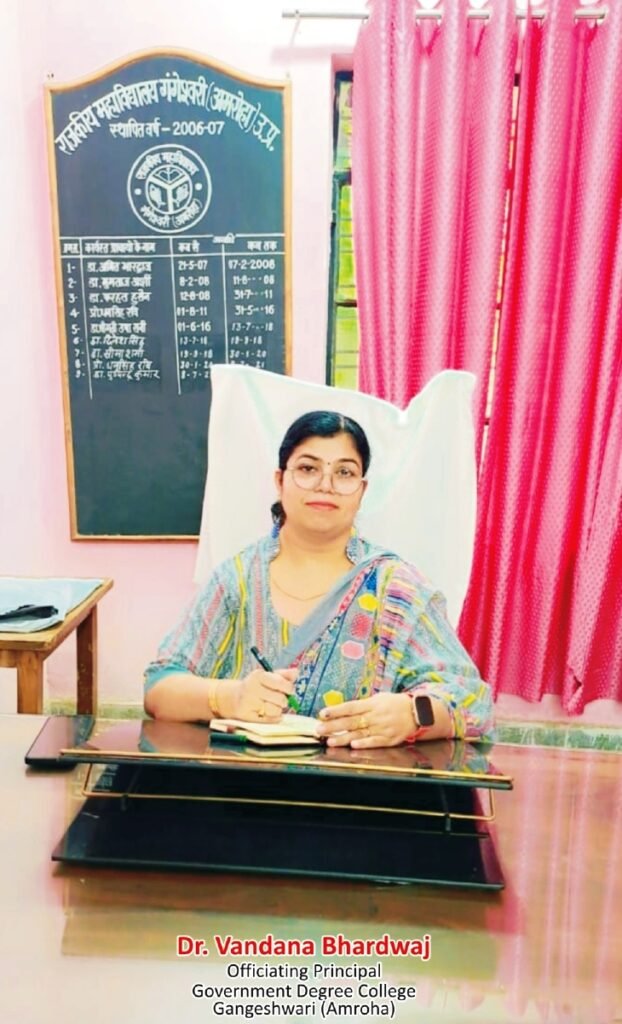
डॉ. वंदना भारद्वाज
(कार्यवाहक प्राचार्य)
राजकीय महाविद्यालय, गंगेश्वरी (अमरोहा) 

गुणवत्तापूर्ण शिक्षा और उज्जवल भविष्य के लिए राजकीय महाविद्यालय,
गंगेश्वरी (अमरोहा) में दाखिला लें। अपनी यात्रा शुरू करने के लिए आज ही नामांकन करें!

गुरु जम्भेश्वर विश्वविद्यालय, मुरादाबाद

Guru Jambheshwar University, Moradabad

Website: www.gjum.ac.in

Samarth Admission Portal

https://gjumadm.samarth.edu.in/index.php

Academic Session: 2025-26

User Guide for Registration on SAMARTH Admission Portal

Steps for Registration and Login on the University Samarth Admission Portal

1. Registration & Login Steps:

Go to https://gjumadm.samarth.edu.in/index.php
Click on the “New Registration” option.
Enter a unique email ID and other required details
Fill the Captcha code and click on the “Register” option.

2. Complete Registration with OTP Verification
You will receive a One-Time Password (OTP) on your registered email ID.
Enter the OTP in the required field on the portal.
Complete the registration process successfully.

3. Login to the University SAMARTH Admission Portal
After completing the registration, go to the “Login” page of the University Portal
Enter your registered email ID and password.
Click on “Login” to access your account.

Applicant Dashboard

After logging in, the applicant sees the Dashboard screen, which includes the following options:
Process –Process of Registration
Complete profile –To complete their profile.
Payments –To check the status of their payments.
Quick Links –To access the university admission guidelines, FAQs, Contact Us, public notices, and the university website.

Additionally, the Dashboard features a separate section outlining the steps for filling out the application.

Step 01: Complete Profile

The applicant first clicks on Complete Profile, where various fields are available. By filling out these fields, they will complete their profile, which includes the following:

Profile Details:

Under this section, the applicant must provide the following details:

Personal Details:

Full Name of the Applicant
Applicant’s Registered Email
Registered Mobile Number
Age as of May 20, 2025

These above fields are pre-filled and not editable, as they were entered during registration.

Applicant’s Date of Birth – This is fetched from the registration data but can be edited by the applicant.

Some non-mandatory fields are also available, which the applicant may choose to fill, such as:

Alternate Email
Alternate Mobile Number
Blood Group

Family Details:

The applicant is required to provide the following mandatory information:

Mother’s Name
Father’s Name
Emergency Contact Number
Combined Family Income

Other Category/Quota:

If the applicant wishes to avail benefits under any quota or category offered by the university, they must:

Select the applicable category/quota.
Provide the required details as per the selected category.
Upload the necessary supporting documents in the designated upload section.

If the applicant does not wish to apply for any quota/category, they can select “No/Not Applicable” and proceed to the next section.

Address Details:

Applicants are required to provide both their correspondence address and permanent address. For each address, the following details must be entered:

Address
Address Line 2
Country
State
District
City
Pin code

After filling in the required details, the applicant must click on “Save Details." A preview page will then appear, allowing the applicant to review the entered information. If any changes are needed, they can click on “Update Details” to make corrections. If all details are correct, applicant can proceed to the next section by clicking “Proceed to Next."

Othe details

Under this section applicant has to select:

The area (Urban/Rural/Semi-Urban/Metropolitan) of his residence
Language/s he knows with proficiency(Reading/Writing/Speaking).

After filling in the required details, the applicant must click on “Save and Next" A preview page will then appear, allowing the applicant to review the entered information. If any changes are needed, they can click on “Update Details” to make corrections.

If all details are correct, they can proceed to the next section by clicking “Proceed to Next."

Uploads

In this section, applicants must upload their Photo, Signature and ID proof.

Additionally, if they have applied under any category or quota, they must upload the necessary supporting documents to upload.

Preview

After filling out the profile, the applicant is shown a final preview page.

If changes are required, they can click on “Back to Upload” to update their details.
If applicant want to edit any details of any section, it can be done by clicking the “Edit” against that section
After ticking a disclaimer, and the applicant must click “Confirm details and Pay Registration Fee"

After confirming the details, the applicant moves to Payment section

Step 02: Payments

Applicants must verify their details before submitting their application.
If a registration fee is applicable, they are directed to the Payment Gateway to complete the payment.
After successful payment, they return to the Dashboard to check their application status and print their application form.
With this printout of Registration form Applicant will apply for Admission in the College of his/her choice as per the College’s Admission Guidelines.